
How to digitize handwritten recipes
Grandma's recipe box, a stained notebook, a card tucked into a cookbook — the most valuable recipes you own exist in exactly one copy. Here's how to preserve them in a couple of minutes each, without typing.
Quick answer
- Open Eat Matters, tap + and choose photo import.
- Photograph the recipe card or cookbook page in decent light.
- AI transcribes the handwriting into ingredients, amounts and steps. Review, fix anything ambiguous, save.
Why photos alone aren't preservation
Taking a photo of a recipe card feels like saving it — but a photo in your camera roll is just a smaller version of the same problem. You can't search it by ingredient, can't scale it from 6 servings to 2, can't add it to a shopping list. And in a year it's buried under four thousand other photos.
Real preservation means getting the recipe into text: searchable, editable, shareable with the rest of the family, and backed up somewhere safer than a kitchen drawer.
Step by step
- Flatten the page and find the light. Daylight near a window works best; avoid your own shadow over the card. Faded pencil is fine — aim for sharp focus.
- Snap it in the app. Tap +, choose photo import, and take the picture (or pick an existing photo from your library — those old snapshots of recipe cards finally become useful).
- Let the AI transcribe. It reads the handwriting and structures the text into an ingredient list with amounts and numbered steps.
- Proofread the card. Handwriting is personal — if “1 tsp” was really grandma's “1 Tbsp”, fix it in place. This is also the moment to add her name to the recipe title, where it belongs.
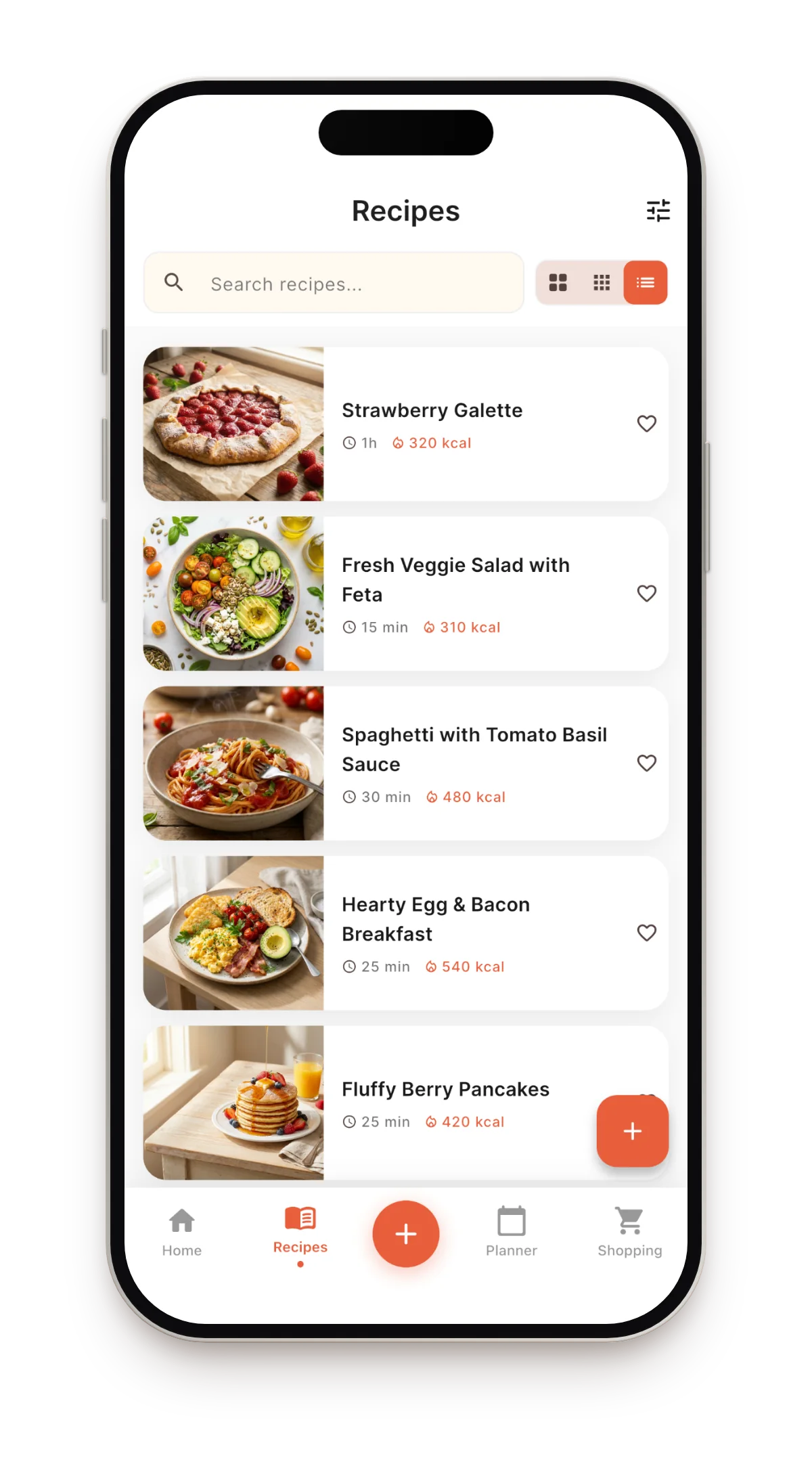
- Save it. The recipe joins your library: searchable, scalable, plannable — and it syncs, so it can't be lost with a phone.
Tips for tricky originals
- Two-sided cards: import the front, then add the back's steps to the same card — everything stays editable.
- Old cookbooks: printed pages work even better than handwriting; a photo of the page is enough.
- Another language: a recipe in Polish, Italian or Ukrainian can be translated by AI after import — structure intact, so the original and your version both survive.
- Faded ink: take the photo, and if the AI misses words, fill the gaps from memory — you'll never have to decipher that card again.
What you get beyond preservation
- Nutrition, automatically — calories, protein, fat and carbs per serving, even for recipes written before anyone counted macros.
- Meal planning — grandma's Sunday roast, scheduled for Sunday; the shopping list writes itself.
- Sharing — send a recipe link to your sister instead of mailing photocopies.
FAQ
How many recipes can I digitize?
The app is free and includes 5 imports per month — photo imports included; manually typed recipes are unlimited. For digitizing a whole recipe box in one weekend, Pro removes the limit.
Does it read cursive?
Usually yes — legible cursive transcribes well. The messier the handwriting, the more likely you'll fix a word or two on the card afterwards.
What happens to the original photo?
The photo becomes the recipe card's image, so the original handwriting stays with the recipe — the memory and the usable version, together.
Preserve the recipe box
Photograph one card tonight — it takes two minutes, and that recipe is safe forever.
Download on the App Store