How to get the recipe out of a YouTube video
The recipe is in there somewhere — between the intro, the sponsor read and “don't forget to subscribe”. Here's how to skip the scrubbing and get a clean recipe card instead.
Quick answer
- In YouTube, tap Share → Copy link on the cooking video (Shorts work too).
- Open Eat Matters, tap + and paste the link (or share straight from YouTube's share sheet).
- AI turns it into a card with ingredients, amounts and steps — plus calories, protein, fat and carbs.
Why “Watch Later” isn't a cookbook
A 15-minute cooking video is great to watch once — and terrible to cook from. The ingredient amounts flash by at 2:40, the oven temperature is mentioned somewhere around 9:15, and the description is a wall of affiliate links. Watch Later keeps the video; it doesn't give you a recipe.
Whether the recipe lives in the description or is only spoken on camera, the information is there — the AI reads the page and transcribes the speech, then turns it into a format you can actually use in the kitchen.
Step by step
- Open the video — a full-length upload or a Short, both work.
- Tap Share, then Copy link. With Eat Matters installed, you can pick it right in the share sheet and skip the copy-paste.
- Paste the link in Eat Matters. Tap +, choose “Import from link”, paste, and give the AI a few seconds to read the description and transcribe what's said in the video.
- Review and save. You get ingredients with amounts, numbered steps and per-serving nutrition. Cook from the card in step-by-step Cook Mode with built-in timers — no more scrubbing back to 2:40.
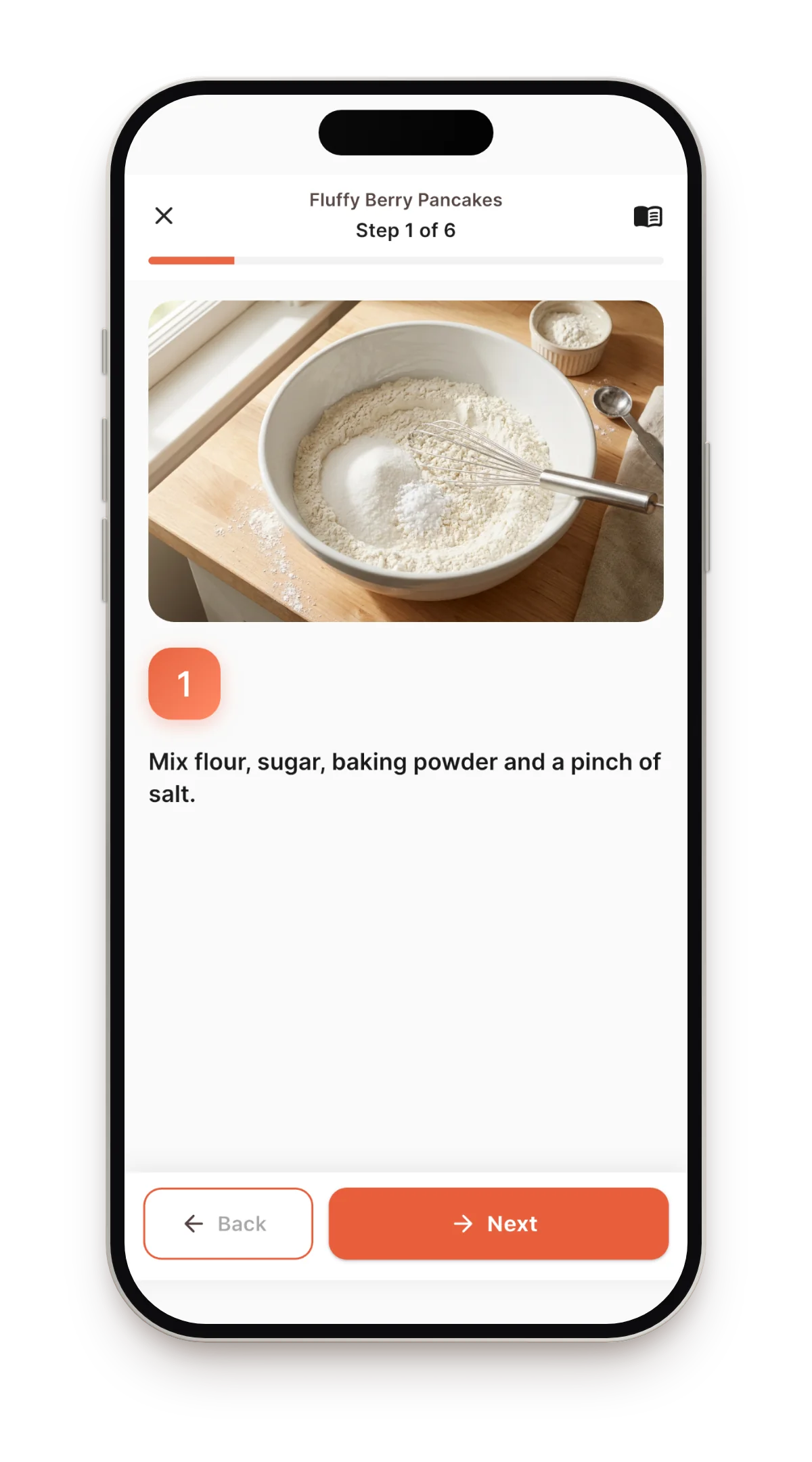
What you get after the import
- The recipe as text — searchable by name or ingredient, organized into collections.
- Nutrition per serving — calories and macros calculated automatically, rescaled when you change servings.
- A weekly plan and a shopping list — drop the recipe onto your meal plan and the list builds itself.
- Translation — foreign-language cooking channels open in your language, structure intact.
Other ways (and what they cost you)
Pausing and typing into Notes
Reliable and slow. Fifteen pauses per recipe adds up — most people stop after the third recipe and go back to losing them.
Copying the description
Better than nothing, but you get unformatted text mixed with links and promo codes — still no amounts scaling, no nutrition, no shopping list.
Bookmarking in the browser
The recipe stays a video. And when the channel reshuffles or deletes it, your bookmark points at nothing.
FAQ
Do YouTube Shorts work?
Yes — Shorts, full videos, and links from TikTok, Instagram, Pinterest and any recipe website all import the same way.
Is it free?
The app is free and includes 5 imports per month; manual recipes are unlimited. Unlimited imports come with Pro.
What if the description has no recipe?
Then the AI gets it from the video itself — it transcribes the speech, so a recipe explained only on camera still becomes a complete card. Everything stays editable if you want to tweak a detail.
Empty your Watch Later
Paste one cooking video into Eat Matters and get a recipe you can actually cook from.
Download on the App Store