How to save recipes from TikTok
You have hundreds of cooking videos in your Favorites — and at 6 pm you can't find a single one. Here's how to turn a TikTok recipe into an actual recipe card in about five seconds.
Quick answer
- In TikTok, tap Share → Copy link on the cooking video.
- Open Eat Matters, tap + and paste the link (or share straight from TikTok's share sheet).
- AI extracts the ingredients, amounts and steps — plus calories, protein, fat and carbs. Save it. Done.
Why saving to Favorites doesn't work
TikTok's bookmarks are where recipes go to die. There's no search by ingredient, no shopping list, and no way to see the recipe as text — you end up rewatching a 40-second video with one hand covered in flour, pausing at the ingredients frame. If the creator ever deletes the video, the recipe is gone for good.
What you actually want is the recipe out of the video: a card with an ingredient list you can shop from, steps you can follow, and nutrition you can trust.
Step by step
- Find the video — a fresh one from your feed or something buried in Favorites.
- Tap Share, then Copy link. If Eat Matters is installed, you can skip copying and pick it directly in the share sheet — the import starts immediately.
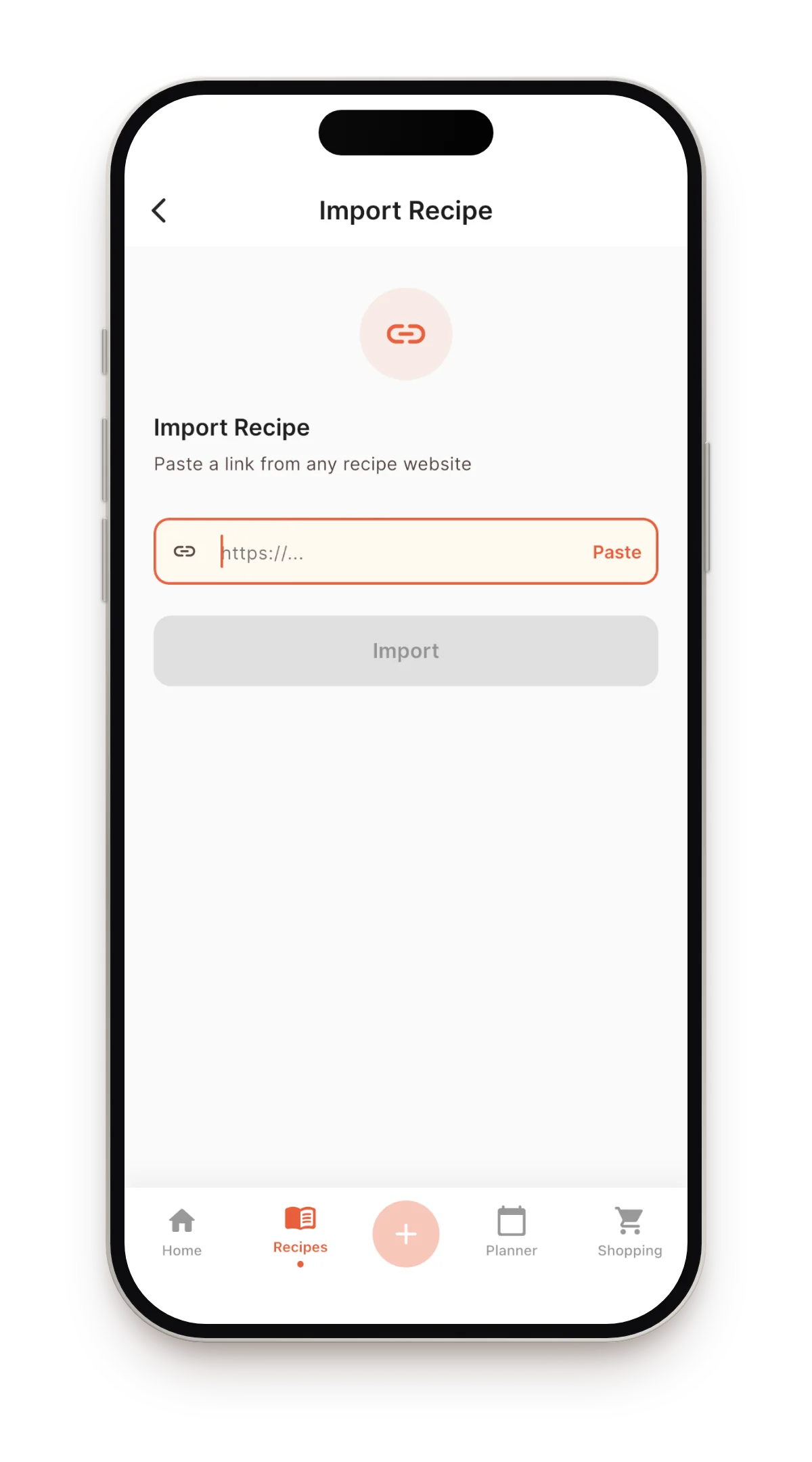
- Paste the link in Eat Matters. Tap the + button, choose “Import from link”, paste, and give the AI a few seconds — it reads the caption and transcribes the voiceover, so spoken amounts don't get lost.
- Review and save. You get a structured card: photo, ingredients with amounts, numbered steps, cook time and per-serving nutrition. Anything the AI got wrong you can edit in place.
What you get after the import
- A searchable library. Every saved recipe is text now — search by name or ingredient, group into collections.
- Nutrition, automatically. Calories, protein, fat and carbs per serving, recalculated for any number of servings.
- Meal planning. Drop imported recipes onto a weekly plan; the shopping list builds itself and merges duplicates.
- Translation. A recipe in another language opens in yours, with the structure intact.
Other ways to save TikTok recipes (and their catch)
Screenshots
Fast, but you get pixels, not a recipe: no search, no scaling servings, no shopping list, and the steps are usually spread across five screenshots.
Typing it into Notes
Works — if you enjoy pausing a video fifteen times. Fine for one recipe, unsustainable for a collection.
TikTok Collections
Good for organizing videos, but the recipe stays locked inside the video, and disappears if the creator removes it.
FAQ
Is it free?
Eat Matters is free to download and includes 5 free imports every month; manual recipes are unlimited. Unlimited imports come with Pro.
Does it work with Reels and YouTube too?
Yes — Instagram, YouTube, Pinterest and any recipe website work the same way. There's also photo import for handwritten recipes.
What if the video has no recipe in the caption?
Not a problem — the AI also transcribes the speech in the video, so a recipe that's only said out loud (“a cup of flour, two eggs…”) still becomes a complete card. And the card stays fully editable if you want to tweak a detail.
Try it on your Favorites
Share one saved TikTok to Eat Matters and see it become a real recipe — with nutrition — in seconds.
Download on the App Store